Master Cisco SD-WAN UX 2.0: Configuration & Policy Groups
A practical, hands-on course that takes you from confusion to confidence - covering Configuration Groups, Policy Groups and Topology in the new UX 2.0 model.
Enroll Now — Get Instant AccessEarly Bird · One-time payment · Lifetime access · 30-day guarantee
Sound familiar?
UX 2.0 introduced a completely different way of thinking about SD-WAN configuration. Most engineers hit the same walls.
Configuration Groups and Policy Groups - what are they exactly?
You've heard the terms but aren't sure what they actually are, how they work, or how they differ from classic templates.
The jump from templates to UX 2.0 isn't intuitive
The new model thinks differently. The documentation doesn't bridge the gap, and figuring it out through trial and error in production isn't an option.
Most content online still covers the legacy model
Good UX 2.0 resources are scarce. You're left piecing together release notes, sparse docs, and forum threads that rarely give you the full picture.
There's a better way to learn UX 2.0
When I was getting up to speed with UX 2.0, I kept running into the same problem: the documentation tells you what things are, but not how they actually fit together. I built this course so you can learn by doing and finally have everything click into place
By the end you'll understand Configuration and Policy Groups from the ground up, know exactly how they relate to each other, and be able to deploy, modify, and troubleshoot them with confidence.
This course is for you if...
Migrating from Legacy
You're running the template-based system and need to understand the UX 2.0 constructs, the differences, and how to make the transition cleanly.
Starting Fresh
You're new to Cisco SD-WAN or want to skip legacy methods and go straight to the modern approach that gets the most out of the solution.
Exam Prep
You're studying for certifications and need practical understanding beyond theory — content that prepares you for real-world scenarios, not just multiple choice.
What's Inside the Course
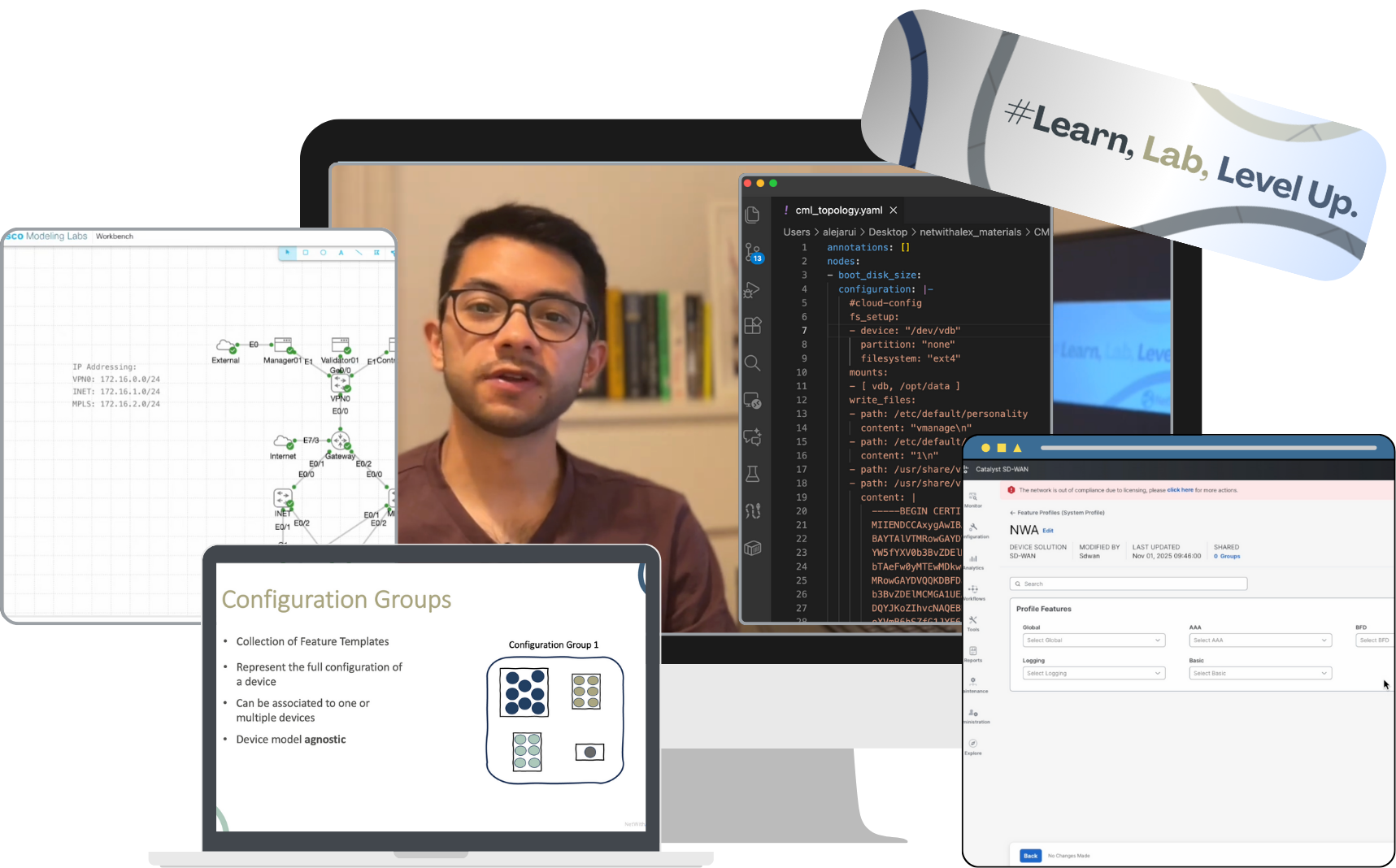
🔒 Secure checkout via Lemon Squeezy · 30-day money-back guarantee
Course Curriculum
7 modules · 42+ lessons · hands-on from start to finish
Introduction
Environment Setup and Lab Deployment
Configuration Groups: Concepts and Design
Building Configuration Groups: Hands-On
Advanced Operations and Best Practices
Policy Groups & Topology: Concepts
Policy Groups & Topology: Hands-On
Migrating to UX 2.0 Coming Soon

Learn From Real, Everyday Experience
Hi, I'm Alex — a CCIE Enterprise certified network engineer (CCIE #66705) with 8+ years in the field, sharing hands-on SD-WAN knowledge with engineers worldwide through NetWithAlex.
I've helped teams navigate complex Cisco SD-WAN deployments and I know exactly where engineers get stuck with UX 2.0. This course exists because I couldn't find the resource I wished I had when I was learning it myself. Everything here comes from real deployments, real problems, and real solutions.
Frequently Asked Questions 💡
Yes - the course is live now. Early bird pricing is $67 (regular price $97). Enroll today and get instant lifetime access.
Yes. The course is designed to be accessible whether you're new to SD-WAN or migrating from the legacy template model. Concepts are explained from the ground up with practical examples at every step.
The course is easiest to follow with Cisco Modeling Labs (CML), but you can also use EVE-NG, GNS3, or any other emulation platform with SD-WAN images for versions 20.15.x and 17.15.x. Running configs for all devices are provided. You can also just watch without a lab.
Email support is included. If you get stuck on any topic, reach out and I'll help you work through it.
Lifetime access. Buy once, learn at your own pace, reference it forever. Future updates are included at no extra cost.
Cisco SD-WAN UX 2.0 is stable and is the standard interface going forward. If significant updates come, new content will be added to keep the course current at no additional cost.
Ready to Master UX 2.0?
Early bird pricing is live now. Lock in $67 before the price goes up to $97.
Enroll Now — Save $30